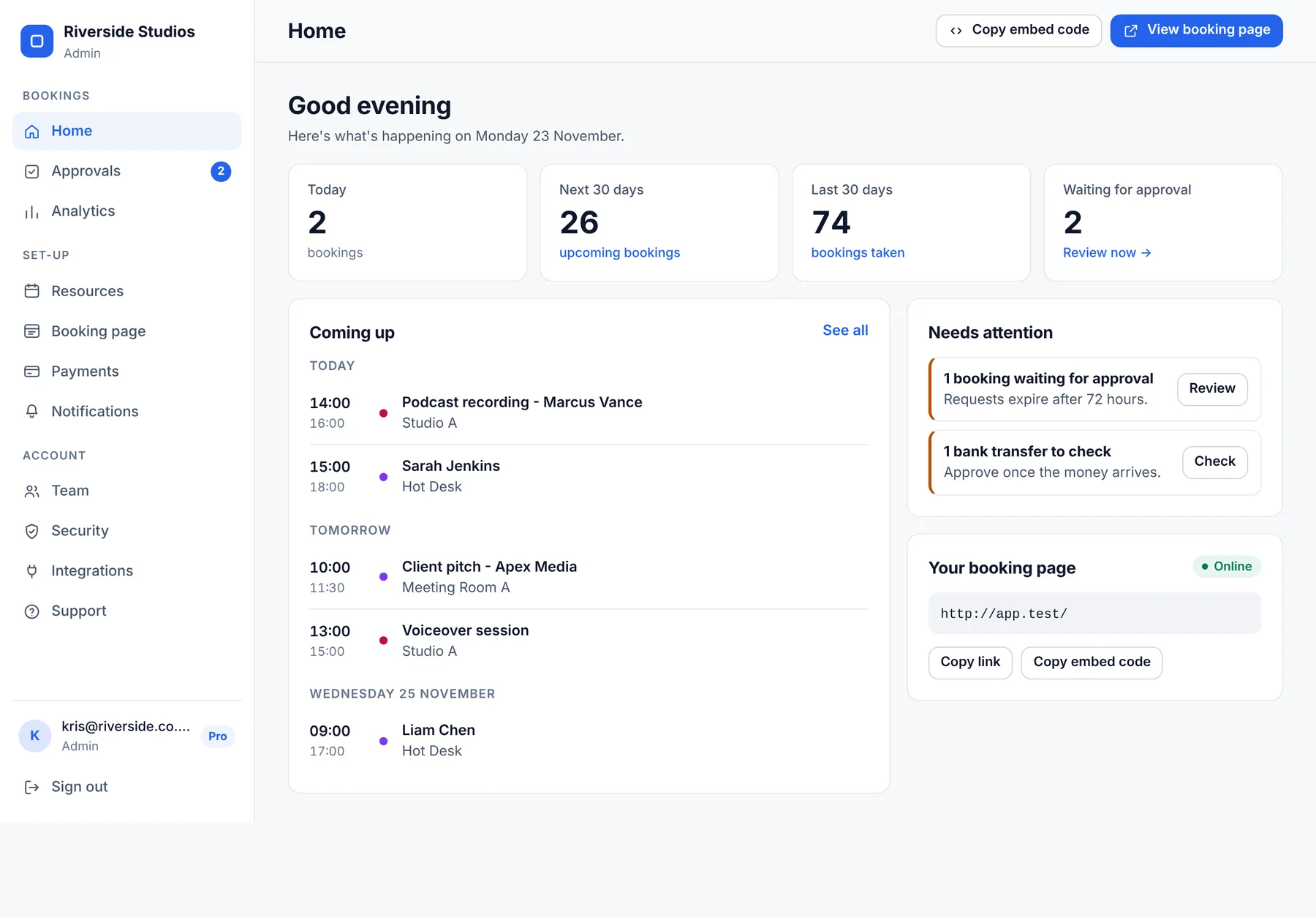
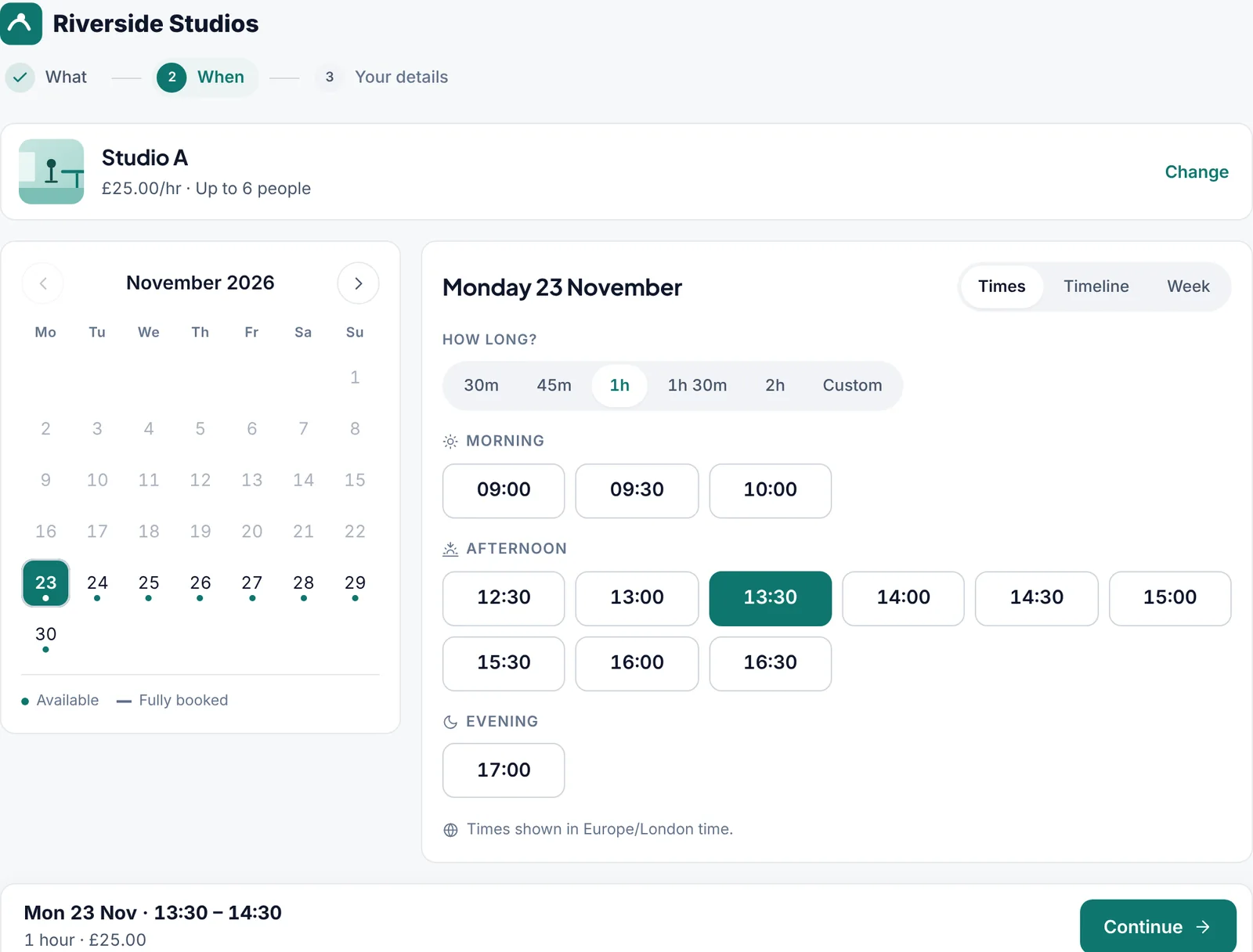
CalNativ turns your Google Calendar or Microsoft 365 into a booking page people actually enjoy using. A confirmed booking is a real calendar event. No second database, and it runs on your own account.
Free for one resource. No card needed. We set it up for you.
book.riversidestudios.co.uk
Added to Google CalendarStudio A · Mon 23 Nov, 13:30
Works with the calendar you already useGoogle CalendarMicrosoft 365Runs on Cloudflare
Why CalNativ
Most booking tools copy your calendar. We built around it.
Other tools pull your availability into their own database the moment you connect. That copy drifts, breaks, and becomes one more thing you don't control.
The usual way Copy and sync
Bookings live in a third-party database, not your calendar
Visitor data sits on someone else's servers indefinitely
Sync bugs mean double-bookings when the copy drifts
Cancel your subscription, lose your own history
The CalNativ way Calendar-native
A booking is a calendar event, created straight in your calendar
No bookings table at all: nothing to leak, nothing to sync
Availability is read live from your calendar, every time
It runs on your own Cloudflare account, so you keep it either way
How it works
Live in three steps. We do the fiddly bits.
We deploy CalNativ to your Cloudflare account and keep it updated. You make three decisions.
01
Connect your calendar
Google Calendar or Microsoft 365, whichever already runs your rooms or your diary.
Google CalendarConnected
Microsoft 365Connect
02
Set your rules
Opening hours, gaps between bookings, approvals, prices and deposits, in plain English.
Bookings last 1 hour by default. Leave 15 min between bookings. Book up to 90 days ahead.
03
Share or embed
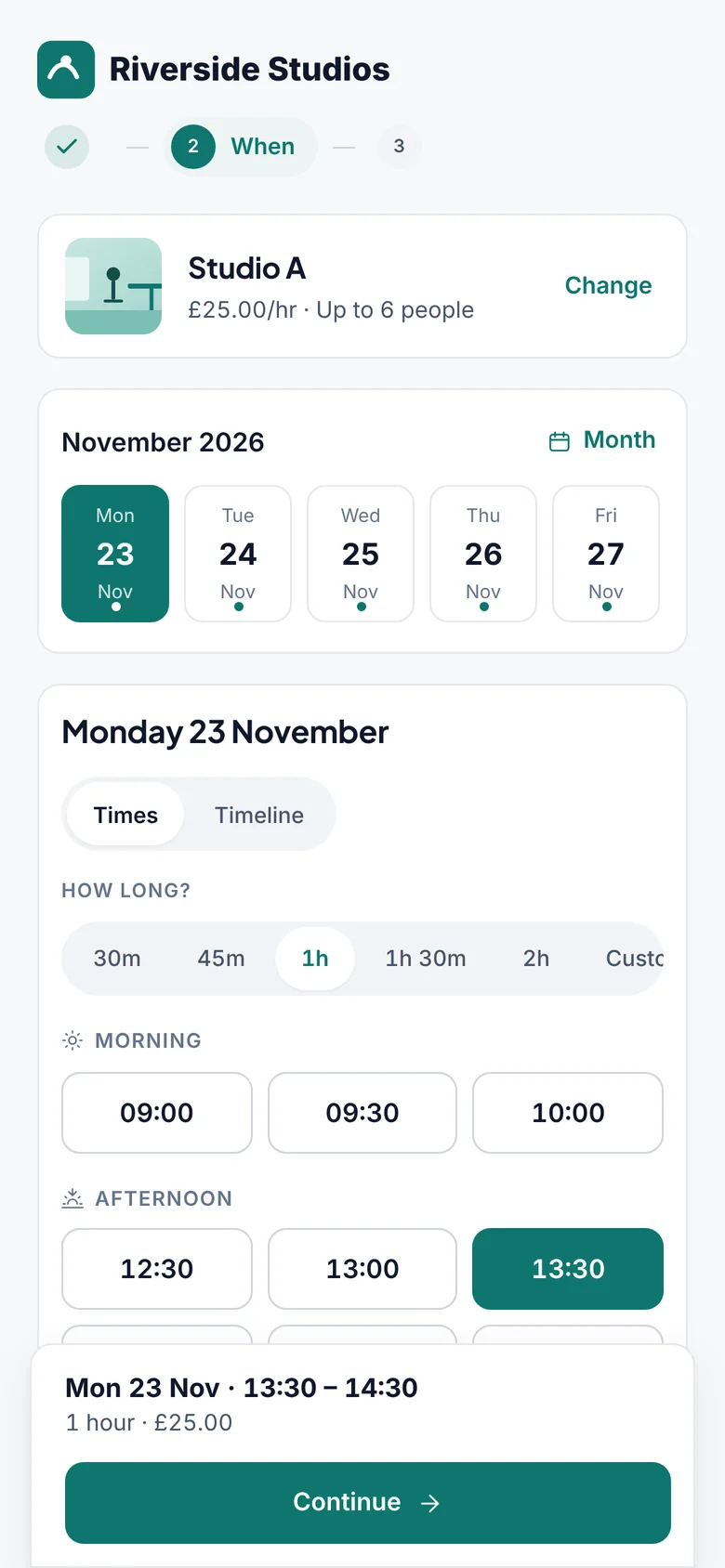
Send the link, or paste one line onto your website. It sizes itself to fit.
Runs on your own Cloudflare accountKeep it if you stop payingSet up for you
Questions
Good questions, straight answers
What does “self-hosted” actually mean here?
Your booking page runs on its own Cloudflare Worker, on your own Cloudflare account, not a shared server we control. We handle the set-up and keep it updated; you keep the account, the data and the calendar connection the whole time.
Which calendars does it work with?
Google Calendar and Microsoft 365, connected through their official APIs. You can use either, or both, and choose per resource.
Where are bookings actually stored?
In your calendar, and nowhere else. A confirmed booking is a real event created directly in your calendar, with the visitor as an attendee. There's no bookings database to leak or fall out of sync.
Can I take payment for bookings?
Yes: Stripe, PayPal, SumUp or bank transfer, with fixed or hourly pricing and optional deposits. Or skip payments and keep bookings free.
What happens if I stop paying?
Your booking page keeps running on your own Cloudflare account. We just stop maintaining and supporting it. Nothing of yours is held hostage.
Stop syncing. Start booking straight into your calendar.
Free for one resource. We'll have you set up in minutes.